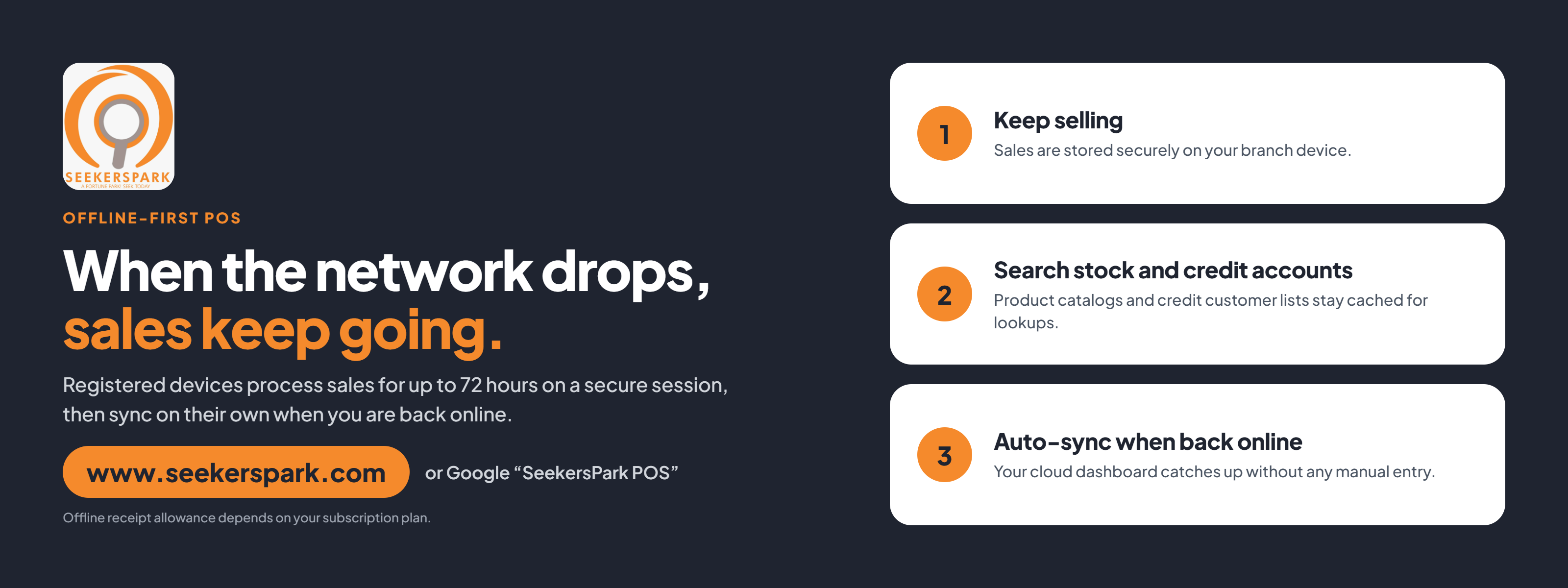
Seekerspark POS is built to answer all three. Registered devices keep selling for up to 72 hours without a connection, then sync everything to your cloud records when they are back online. This article explains how offline selling works, what it covers and how it stays secure.
A power cut or a dead network used to mean one thing at the till: a queue, a frustrated customer and a sale that walked out the door.
If you run a shop where blackouts or patchy internet are part of the week, you may have thought:
- "If the internet goes down, I can't sell."
- "I'm afraid of losing sales I rang up while offline."
- "I don't want just anyone's device selling on my account."
Seekerspark POS is built to answer all three. Registered devices keep selling for up to 72 hours without a connection, then sync everything to your cloud records when they are back online. This article explains how offline selling works, what it covers and how it stays secure.
How offline selling works: three steps
Offline mode is designed to be invisible to your cashiers. The sale looks the same on screen, whether the internet is up or not.
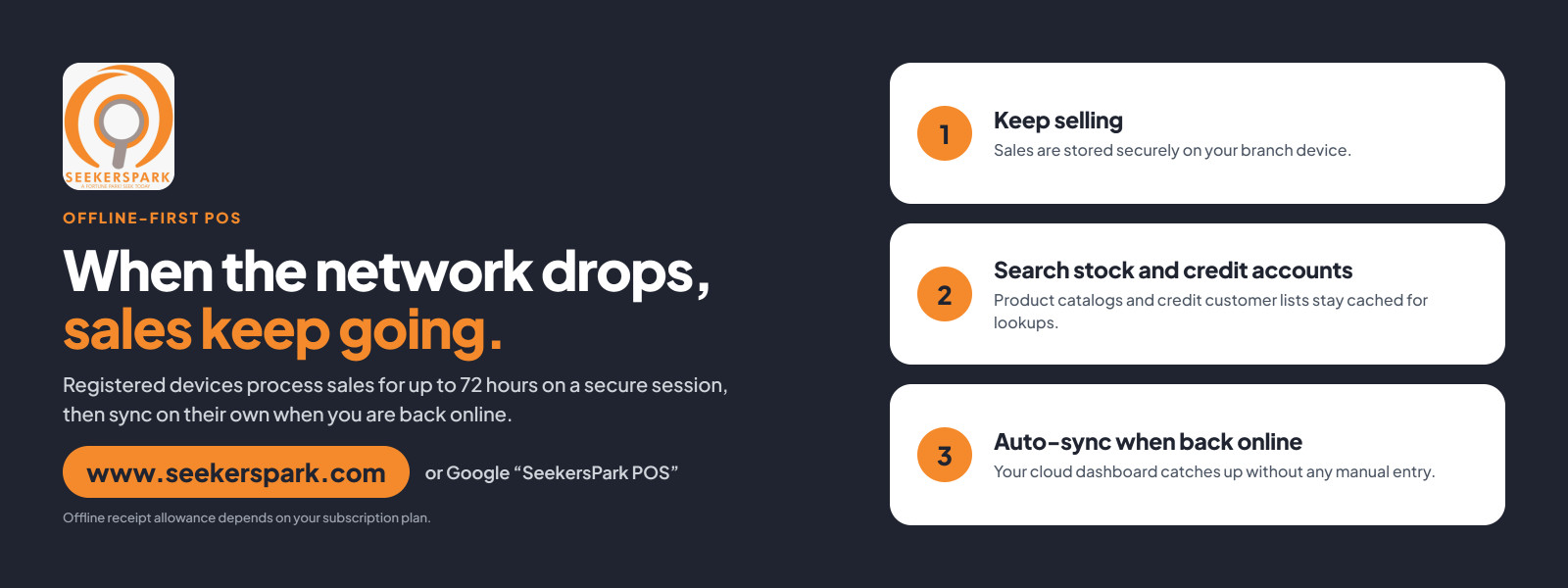
- Keep selling: a registered device processes sales on a secure session of up to 72 hours. Sales are stored securely on the device.
- Work from a local copy: when an authorized device logs in, it pulls your business's inventory and uses that copy for offline sales.
- Sync automatically: when the connection returns, queued sales upload to the main server, fresh catalog data and prices come down, and your business and branch sales records update.
Once the 72 hours are up, the device needs an internet connection to get a new offline authorization. Plan to reconnect at least once every three days.
What you can do offline: more than just ring up a sale
Offline selling is not a stripped-down mode. Seekerspark caches what your team needs to serve customers normally.
- Search your catalog: product lists are saved on the device, so staff can find items and complete sales.
- Look up credit accounts: credit customer lists are cached too, so you can check an account without a connection.
- Issue offline receipts: receipts keep printing or sending while you are offline, within an allowance that depends on your subscription.
- Use ordinary devices: phones, laptops and handheld POS devices can serve as offline terminals, and they keep running through outages and, to some extent, power cuts while their batteries last.
If one counter goes down, you can send customers to a cashier point that is still working.
Staying in control: only your devices can sell
Selling offline should not mean losing oversight. Seekerspark limits who can sell and for how long.
- Whitelisted devices only: management approves each device, and the system gives it a unique identifier. Unauthorized devices cannot sell or send data.
- Branch-assigned: only devices assigned to a branch can operate offline for it.
- Clear lockouts: if a device is used somewhere else or its session expires, a lockout screen tells the user how to reconnect.
- Terminals per branch: each registered business gets one free offline terminal per branch. You can buy extra terminals and move them between branches.
- Plan limits: offline receipt allowances depend on your subscription. The public pages do not say what each plan's limit is, so check with Seekerspark before you promise a number to staff.
One limit to know about: the Online Business Hosting & Webpage plan is digital-only and has no POS or offline capability.
Who it helps: any counter that can't afford downtime
Offline selling matters most where connections are unreliable and every sale counts.
- Shops and supermarkets: keep checkout moving during peak hours, even when the network struggles.
- Wholesalers and stockists: keep serving trade customers and credit accounts through an outage.
- Pharmacies and cafeterias: keep serving people at the counter when the router restarts.
- Multi-branch owners: every outlet keeps selling and everything lands in one dashboard once branches reconnect.
If you often lose power or network, offline selling means those hours stay productive.
Get started: try it free
You can test Seekerspark POS before you spend anything. The 30-day trial costs Ksh 0, gives full access and needs no credit card. After that, Business + POS costs Ksh 1,000 per 30 days with 0% commission on sales.
Search "SeekersPark POS" on Google or visit www.seekerspark.com and keep selling, whatever the network does.
as a user of the seekerspark point of sale system, i can testify to the fact that my business has not had a downtime since the introduction of the offline sales services.