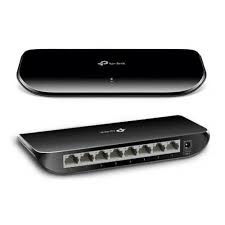
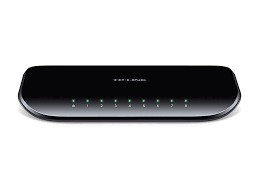
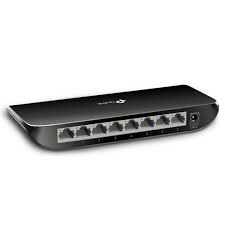
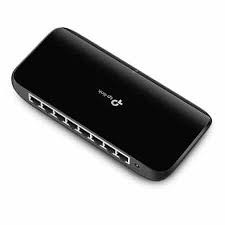

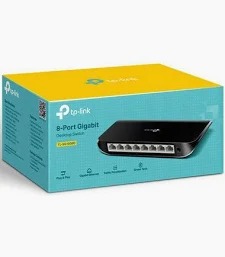
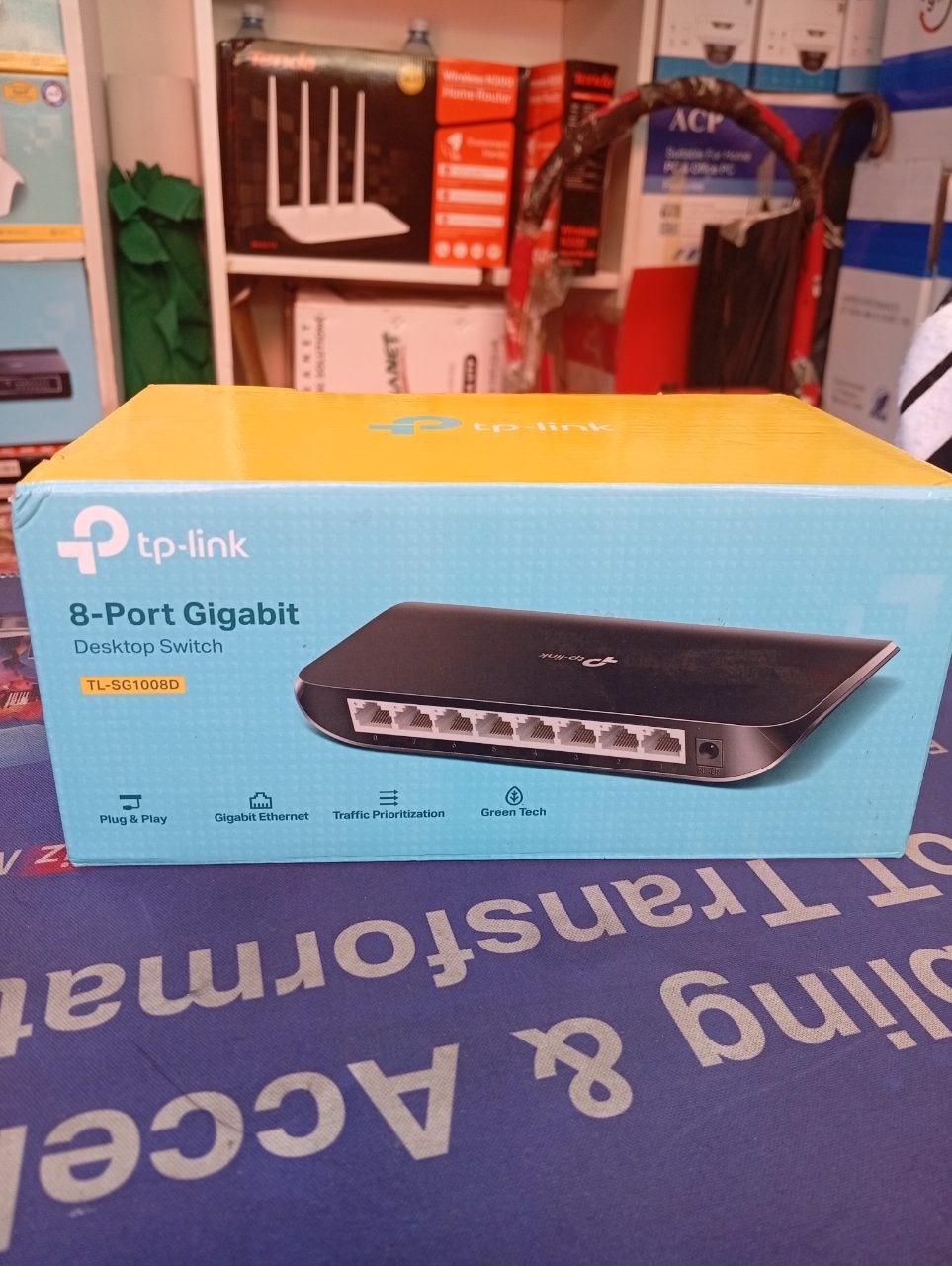
TP-Link 8-Port Gigabit Switch – High-Speed Wired Networking for Home and Office
The TP-Link 8-Port Gigabit Switch is a high-performance, plug-and-play networking device designed to expand your wired network with blazing-fast Gigabit speeds. Ideal for homes, small offices, or workstations, this switch provides reliable, low-latency connections for multiple devices, ensuring smooth data transfer, gaming, and streaming without bottlenecks.
Key Features and Benefits
Gigabit Speed Performance
- 8x Gigabit Ethernet ports (10/100/1000Mbps) for ultra-fast wired connections.
- Full-duplex mode allows simultaneous data transmission and reception, doubling the theoretical bandwidth to 2000Mbps per port.
- Ideal for:
- 4K/8K streaming without buffering.
- Online gaming with minimal lag.
- Large file transfers between devices (e.g., NAS, PCs, servers).
- High-demand workstations (e.g., video editing, CAD, or virtualization).
Plug-and-Play Convenience
- No configuration required—simply connect your devices and start using.
- Auto-negotiation automatically adjusts speed and duplex mode for optimal performance.
- No software or drivers needed for setup.
Durable and Compact Design
- Metal or high-quality plastic casing for durability and heat dissipation.
- Fanless design for silent operation, making it ideal for home or office use.
- Compact size for easy placement on a desk, shelf, or mounted on a wall.
Energy Efficiency
- IEEE 802.3az Energy Efficient Ethernet (EEE) standard compliance to reduce power consumption when ports are idle.
- Low power usage without sacrificing performance.
Versatile Connectivity
- 8 Gigabit ports to connect:
- PCs, laptops, and workstations.
- Smart TVs, gaming consoles (PS5, Xbox, Nintendo Switch).
- NAS (Network Attached Storage) devices.
- IP cameras, printers, and VoIP phones.
- Supports jumbo frames (if enabled) for improved large file transfers.
Advanced Features (Model-Dependent)
Some TP-Link 8-port Gigabit switches may include:
- QoS (Quality of Service) for prioritizing traffic (e.g., gaming or video calls).
- VLAN support for network segmentation (useful for small businesses).
- IGMP snooping for optimized multicast streaming (e.g., IPTV).
- Loop prevention to avoid network loops in complex setups.
Who Is It For?
The TP-Link 8-Port Gigabit Switch is perfect for:
- Home users who need fast, reliable wired connections for multiple devices.
- Gamers looking for low-latency, lag-free online gaming.
- Small businesses requiring high-speed networking for workstations and servers.
- Content creators transferring large files (e.g., videos, graphics) between devices.
- Smart home enthusiasts connecting multiple IoT devices, NAS, or security cameras.
Pros and Cons
Pros
- High-speed performance: Gigabit speeds for fast data transfer and streaming.
- Plug-and-play: No configuration required for instant use.
- Durable design: Metal or sturdy plastic casing for longevity.
- Silent operation: Fanless design for noise-free use.
- Energy-efficient: Reduces power consumption when ports are idle.
- Versatile: 8 ports for connecting multiple devices simultaneously.
Cons
- No Wi-Fi: Wired-only—requires Ethernet cables for all connections.
- Limited advanced features: Some models lack QoS, VLAN, or IGMP snooping (check specs).
- No PoE support: Most basic models do not support Power over Ethernet (PoE). For PoE, consider TP-Link’s PoE-enabled switches.
Comparison with Other TP-Link Switches
| Model | Ports | Speed | PoE Support | Advanced Features | Best For |
|---|---|---|---|---|---|
| TL-SG108 | 8x Gigabit | 1000Mbps | No | Plug-and-play | Home, basic office use |
| TL-SG108E | 8x Gigabit | 1000Mbps | No | QoS, VLAN, IGMP | Small businesses |
| TL-SG108PE | 8x Gigabit | 1000Mbps | Yes (4x PoE) | QoS, VLAN | PoE devices (cameras, VoIP) |
| TL-SG116 | 16x Gigabit | 1000Mbps | No | Plug-and-play | Larger networks |
Setup Guide
- Unbox the switch and place it in a well-ventilated area near your router or modem.
- Connect the switch to your router using an Ethernet cable (use the WAN/LAN port on your router).
- Plug in the power adapter (if required; some switches are passively powered via Ethernet).
- Connect your devices to the switch using Cat5e or Cat6 Ethernet cables.
- Power on the switch—the LED indicators will light up to confirm active connections.
- Test your network by transferring files or streaming content to ensure Gigabit speeds.
Final Verdict
The TP-Link 8-Port Gigabit Switch is a reliable, high-performance networking solution for users who need fast, wired connections for multiple devices. Its plug-and-play design, Gigabit speeds, and durable build make it an excellent choice for homes, small offices, or gaming setups.
While it lacks Wi-Fi or PoE support in basic models, its affordability, ease of use, and speed make it a top pick for wired networking needs.
TP-Link 8-port Gigabit switch, Gigabit Ethernet switch, wired network switch, home network switch, small office switch, TP-Link TL-SG108, 1000Mbps switch, plug-and-play switch, fanless Gigabit switch, energy-efficient switch, best Gigabit switch for gaming, NAS switch, 8-port network switch.
Call to Action:
Upgrade your network with the TP-Link 8-Port Gigabit Switch—fast, reliable, and easy to use. Order now and enjoy seamless wired connectivity for all your devices!
Terms & Conditions
Please review our latest policies.
Loading latest terms...